SWC Field and SWC Capital Are Now Closer Together: Switching Between Services Takes Just One Click
Bu haber henüz çevrilmedi, bu yüzden İngilizce gösteriliyor.
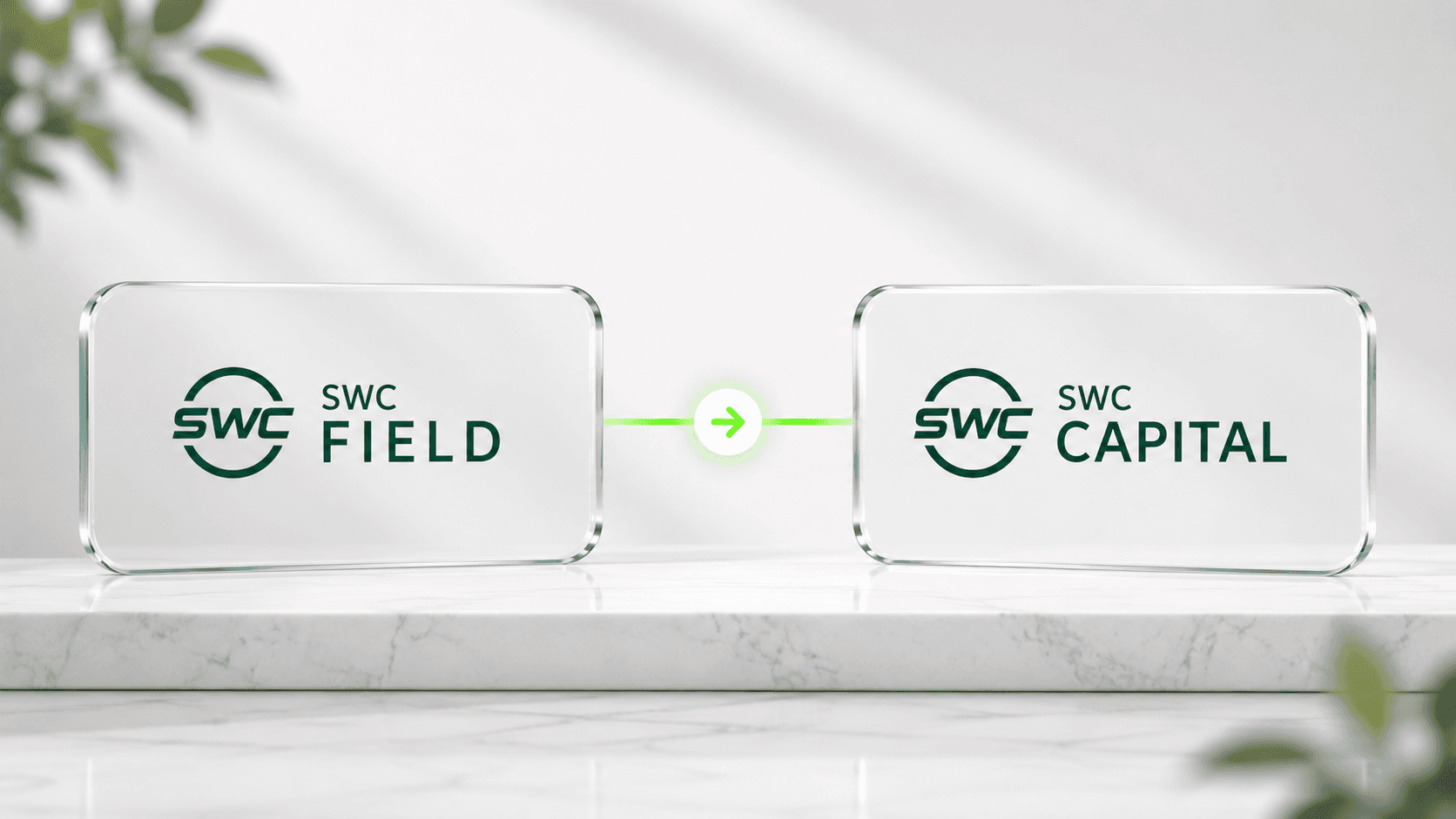
We continue to make the SWC Ecosystem more convenient for its members. Following the transition to a unified authentication system, we have further improved the interaction between SWC Field and SWC Capital, making it faster and easier to switch between the two services.
What has changed?
SWC Field and SWC Capital now use a single login and password. Once you sign in, you can move freely between both services without having to re-enter your credentials.
But the improvements do not stop there—we have also simplified navigation between the platforms.
Switch Between Services in One Click
If you are signed in to SWC Capital, you will see a large "Go to SWC Field" button on the homepage after logging in.
Within SWC Field, a new SWC Capital button has been added to the left-hand sidebar, allowing you to return to your investment account instantly.
There is no longer any need to open a new browser tab, search for the required website, or sign in again. Switching between the two services now takes just one click.
What are the benefits?
- one login and password for both services;
- fast switching between SWC Field and SWC Capital without signing in again;
- a more convenient experience within the SWC Ecosystem;
- fewer unnecessary steps and faster access to the service you need.
All of your data, project participation, and account settings remain unchanged—the only updates are to the authentication process and navigation between the platforms.
Have Questions?
If this is your first time using the unified sign-in system or you would like to learn more about how it works, please refer to our guide. It explains in detail:
- why unified authentication was introduced;
- how to complete your first sign-in;
- what SWC Capital users need to do;
- how to reset your password if necessary;
- how switching between the services works;
- how to re-enable two-factor authentication after your first sign-in.